 AI Tools
  design
  office
  Programs
  Security
  Windows
  WordPress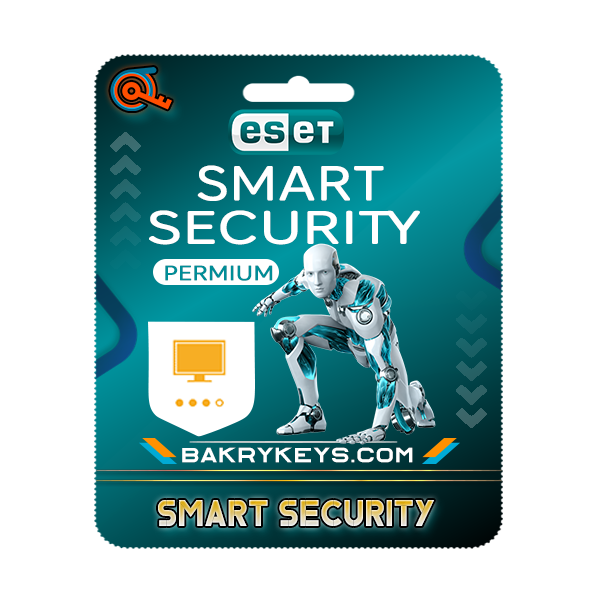
Understanding ESET Smart Security Features
ESET Smart Security is designed to provide users with a comprehensive suite of protection against a variety of cyber threats. At the core of its offerings, the antivirus protection feature continuously scans files and programs for known malware signatures and suspicious behaviors, ensuring that systems remain free from infections. This proactive approach minimizes the risk of virus spread and helps to maintain optimal performance for both individual users and organizations.
Complementing the antivirus capabilities is ESET's anti-phishing technology, which safeguards users from potentially harmful websites and deceptive emails. By identifying and blocking phishing attempts, this feature plays a crucial role in protecting sensitive information, such as login credentials and financial data, from cybercriminals. Furthermore, the integration of advanced heuristics allows ESET to analyze the behavior of unknown files, significantly enhancing its ability to detect new and emerging threats before they can cause harm.
In addition to these core features, ESET Smart Security incorporates robust antispyware capabilities, which identify and eliminate spyware and adware that may compromise users' privacy. This ensures that confidential information remains secure from unauthorized access. The firewall functionalities further bolster protection by monitoring incoming and outgoing network traffic, creating a barrier against intrusions and unauthorized access attempts. By managing both local and internet traffic, the firewall helps in maintaining the integrity of the user’s system.
The importance of real-time threat detection cannot be overstated. By proactively analyzing the behavior of software and monitoring real-time traffic, ESET Smart Security offers users peace of mind, knowing that they are continuously safeguarded against evolving threats. Malicious software and phishing attacks can have devastating effects on both individual and organizational levels, underscoring the necessity of implementing robust security solutions like ESET Smart Security. This integrated approach not only enhances protection but also fosters a secure digital environment for users worldwide.
Setting Up and Configuring ESET Smart Security
To begin the setup of ESET Smart Security, first ensure that your system meets the minimum requirements for installation. Download the latest version of the software from the official ESET website. Once the installation file is obtained, locate the downloaded file, then double-click to initiate the installation process. A prompt will appear, guiding you through the subsequent steps. When presented with the license agreement, read through and accept the terms to proceed.
During the installation, you will have the option to configure advanced settings. It is advisable to select the default installation for optimal performance unless you have specific requirements. Following installation, ESET Smart Security will prompt you to activate your license. Input the license key you received upon purchase to unlock the full features of the software.
After successful activation, familiarize yourself with the user interface. The dashboard is designed for easy navigation, providing access to critical features such as system scans, update options, and security settings. Explore the customizable settings to tailor the software according to your security preferences. Users can set up specific filters for email scanning, firewall configurations, and web protection to meet their needs.
It is essential to keep ESET Smart Security updated to combat emerging threats effectively. By default, the software updates automatically; however, you can manually check for updates through the settings menu. Should you encounter any installation issues, refer to the ESET knowledge base for troubleshooting tips or consider reaching out to customer support for assistance.
For enhanced functionality, schedule regular system scans and utilize the interactive help features embedded within the software. These steps not only contribute to the software's efficiency but also support maintaining a secure environment for your devices. By actively engaging with ESET Smart Security’s robust features, users can significantly improve their overall protection and experience.